Rexall Reminders Privacy Label Icons
Depending on the status of a patient in the Rexall Reminders program, different icons display on the Privacy Label to more easily determine what the patient's preferences are.
Enrolled Icons
If the patient is enrolled in the Rexall Reminders program, one of the following icons appears on the Privacy Label, depending on their preferred method of communication.
Table 1: Enrolled Icons on Privacy Label
| Text | Phone | |
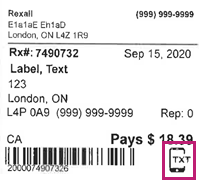
|
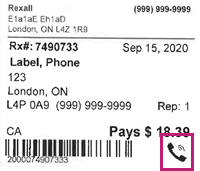
|
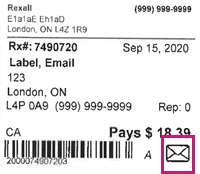 |
Not Enrolled Icons
If the patient is not enrolled in the Rexall Reminders program, one of the following icons appears on the Privacy Label, depending on if they have not been asked, or have declined the program.
Table 2. Not Enrolled Icons on Privacy Label
| Not Asked | Program Declined |
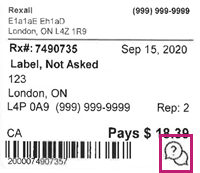
|
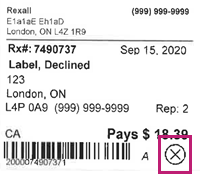
|
Note: If Not Asked, be sure to speak to the patient about signing up for the Rexall Reminders program.